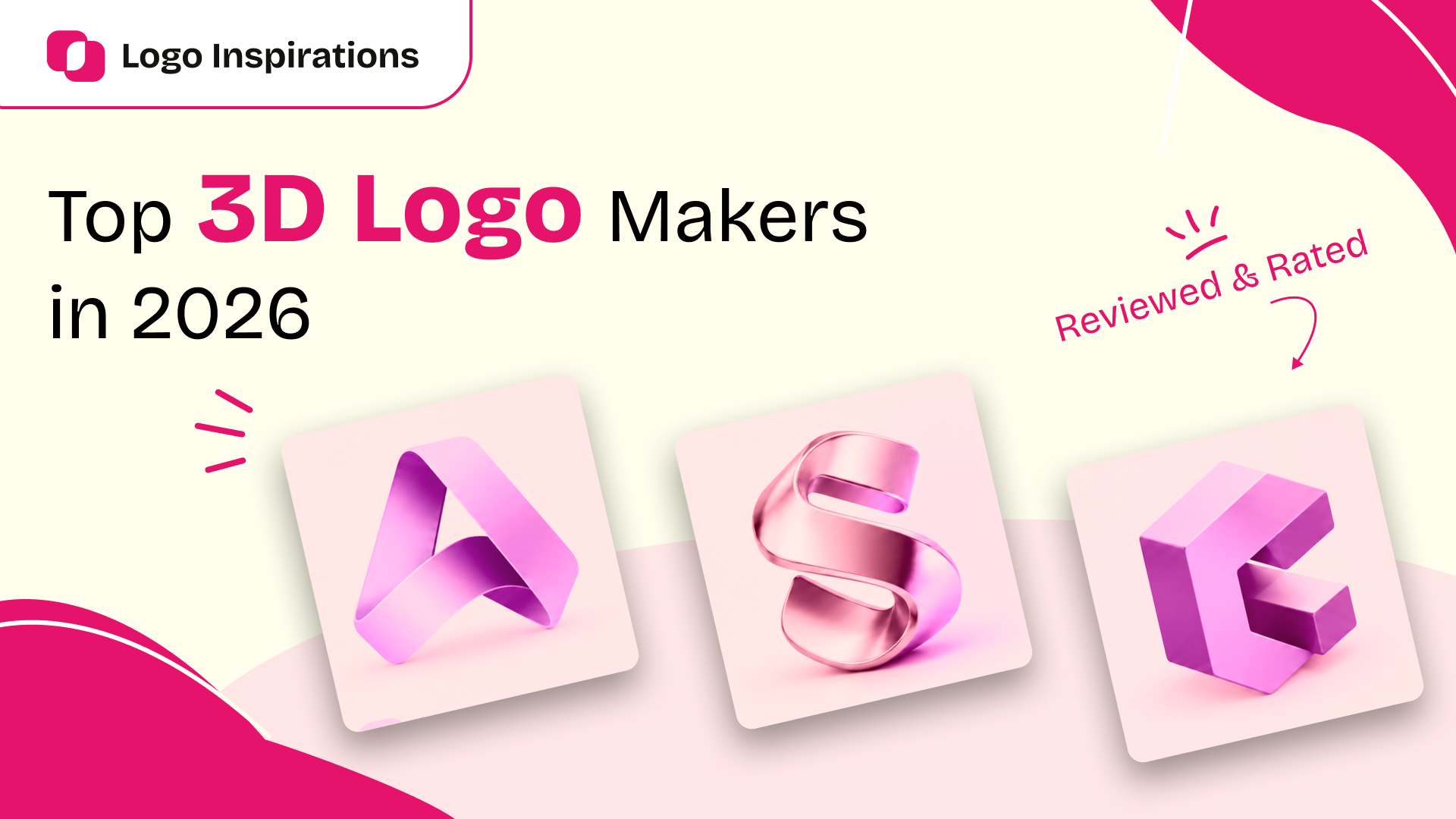
A chrome logo on a black background can look three-dimensional without containing any 3D geometry. That is perfectly usable for a banner. It becomes a problem when you need to rotate it, change the lighting or send an editable model to an animator.
The best 3D logo maker for your project depends on that final use. An online logo maker can help you create a dimensional brand mark; a 3D editor gives you control over its depth, material and camera. An AI logo generator may produce a convincing image, but the download still needs to match the job.
This guide compares Design.com, BrandCrowd, 3DLogo.io, Spline and Blender. It covers both visual logo creation and actual 3D production, with a practical workflow for preserving the identity while adding depth.
What is a 3D logo?
A 3D logo is a brand symbol or wordmark designed to appear to have depth and volume. It can use perspective, shading and overlapping shapes to suggest a solid form, or it can be built as an actual three-dimensional model with adjustable depth, materials and lighting.
Think of a flat letter “F”. Give it visible side faces, a softly rounded edge and a shadow, and it starts to look like a physical object. The letter is still the logo; the depth is a treatment of that identity. Common finishes include matte plastic, brushed metal, chrome and glass.
How is a 3D logo different from a 2D logo?
A flat logo relies on its outline, typography and colour. A 3D logo adds visual cues such as thickness, highlights and perspective. Those effects can make a mark feel tangible in a product video or website feature, but they can also hide fine details when the image is small.
Where does a 3D logo work well?
Typical uses include animated logo reveals, product-launch graphics, presentation covers and interactive website scenes. Keep a simpler flat version for small icons, documents and printing methods that cannot reproduce the same shading. Both versions should remain recognisably the same brand.
First, decide what “3D logo” means for your project
A logo with depth
Perspective, overlapping shapes or shading suggest volume in a flat image or vector design. Useful for a website header, business graphic or printed identity.
A rendered logo
A camera captures a 3D scene as an image or animation. Useful for a product launch or logo reveal. A video file does not include the editable model.
A 3D logo model
Geometry has actual depth. You can rotate it, light it and change its material. Useful for interactive websites, custom animation and further 3D production.
An SVG is vector artwork, not a 3D model. It can be a starting point for extrusion, but exporting SVG alone does not give you a rotatable logo. Equally, a PNG with a transparent background is a finished image rather than an editable scene.
3D logo makers compared: AI input, manual work and output
Use this comparison to see how each tool starts, what you still need to edit and which files or scenes it can help you create. Typing a brand name or extruding typed letters is different from asking AI to generate a design from a description.
| Tool / skill level | Useful for | AI input and starting method | Manual work involved | Output and limitations |
|---|---|---|---|---|
| Design.comBeginner-friendly | Professional 3D-style logo concepts | AI prompts + chat editing. Describe a concept or browse templates. | Use AI chat for revisions; manual controls are available for further refinements. | Vector and image artwork for digital and print use. |
| BrandCrowdBeginner-friendly | Dimensional symbols and logo templates | AI logo generation + chat-based editing. Enter a name and keywords, then request changes to the logo icon or text. | Request icon and text changes with AI chat, or customise colours and layout manually. | Vector and image logo artwork. |
| 3DLogo.ioBeginner–intermediate | Adding depth to an existing logo or text | Manual extrusion + separate AI generator. Upload artwork or type lettering; Generate accepts prompts or images. | Adjust depth, bevel, camera and materials; inspect generated meshes. | Rendered images, motion and 3D files. AI generation uses credits. |
| SplineIntermediate | Interactive 3D logos for websites | AI prompts + manual 3D editor. Build a scene with the AI agent, generate a model or start manually. | Refine geometry, lighting and interactions; test the website placement. | Editable scenes and web publishing; export access depends on the plan. |
| BlenderIntermediate–advanced | Custom geometry, materials and animation | Primarily manual. Create or import geometry and build the scene. | Set depth, bevels, materials, lights, cameras and rendering. | Detailed scene control and rendered assets. Optional third-party AI integrations are outside this comparison. |
Our editorial ratings: how each tool fits the job
The artwork rating reflects how closely each tool fits logo creation: Strong means it is a core workflow; Suitable means more preparation may be needed. The workflow type shows whether you can use AI, manual controls or both.
These are editorial assessments of the documented features, not customer ratings or scores from timed product tests. AI-powered describes assistance with creation or editing; it does not mean every step is automated.
| Tool | Developing logo artwork | How you edit the design | Workflow type | Most relevant workflow |
|---|---|---|---|---|
| Design.com | Strong | AI chat-based logo editing and manual controls | AI-powered | AI-assisted logo concepts and vector artwork |
| BrandCrowd | Strong | AI chat-based icon and text editing; manual layout controls | AI-powered | AI-assisted customisation of dimensional logo designs |
| 3DLogo.io | Suitable | Manual depth and material controls; separate AI mesh generation | AI-powered + manual | Extruding supplied artwork or text |
| Spline | Suitable | AI scene assistance plus manual 3D editing | AI-powered + manual | Interactive 3D scenes for a website |
| Blender | Suitable | Manual modeling, materials and scene editing | Manual | Custom modeling, materials and animation |
A logo maker can fit the concept stage well without being a 3D modeling application. Equally, detailed geometry controls do not automatically make a tool easier for someone designing their first logo.
Creation method: AI prompts + chat-based logo editing
What you can do
Design.com’s 3D logo maker includes dimensional symbols, geometric icons and lettering you can customise. Its AI logo generator and AI chat-based logo editing help you explore a concept and request changes. Relevant icons and exclusive fonts provide starting material for a professional logo; the result still needs a clear silhouette.
How to approach the design
For a folded-ribbon mark, settle the overlap and negative space before adding more shading. Ask for a wider centre opening or fewer folds, then inspect the smaller preview. Keep a one-colour version alongside the dimensional treatment.
Access and output
Selected free logos include SVG, EPS, PDF, PNG and JPG files with commercial-use rights. AI-generated downloads require a paid plan. The platform also includes 50+ supporting design tools.
What to check
Those vector formats are logo artwork, not GLB or OBJ models. For camera movement or adjustable extrusion, take suitable vector paths into a 3D editor. Commercial-use rights do not automatically mean exclusivity.
Creation method: AI name/keyword input + template customisation
What you can do
BrandCrowd’s 3D logo collection gives you geometric symbols, dimensional lettering and other depth-based designs to customise. It is useful when you have a name but are still deciding whether the identity should feel structural, playful or restrained.
How to approach the design
Compare a cube, a folded form and a dimensional initial using the same company name. Judge the relationship between the symbol and lettering. A strong icon can still produce an awkward logo if the wordmark is squeezed underneath it.
Access and output
Selected free designs include vector and raster logo files with commercial-use rights. Paid options cover other designs and features. Check the package attached to the logo you choose.
What to check
A template with convincing depth does not establish an editable 3D scene. If you plan to extrude it later, inspect the vector paths: overlapping coloured faces may need rebuilding as a simpler silhouette. Keep the flat brand version usable too.
Creation method: Manual extrusion + separate AI text-to-mesh tool
What you can do
3DLogo.io accepts uploaded artwork or typed text and provides live depth, bevel, material and camera controls. This fits the step after you have settled the logo shape.
How to approach the design
Use a clean silhouette. Increase depth gradually and check whether the side faces hide narrow gaps. Start with a matte material before trying chrome or glass.
Access and output
The free tier includes watermarked exports; formats include PNG, GLB, OBJ, STL, USDZ and MP4. Pro removes the mark and adds higher-resolution options. Its separate AI mesh generator uses credits.
What to check
Image tracing and AI mesh generation are different workflows. Inspect letter openings and edges after conversion. If exact brand geometry matters, a clean source path is easier to control than reconstructing a logo from a shaded image.
Creation method: AI scene assistance + manual 3D editor
What you can do
Spline is a browser-based 3D editor with modeling, materials, lighting, animation and interactions. It also offers AI-assisted creation. It suits a logo that needs to respond to a visitor rather than appear only as a static image.
How to approach the design
Limit the interaction to something purposeful, such as a slight rotation that reveals depth. Make sure the logo reads at rest. Keep a static image ready for situations where the scene is slow to load or motion is reduced.
Access and output
A free plan includes watermarked web exports. Paid plans add capabilities such as removing watermarks and exporting video. Confirm the required publishing and file-export features before choosing a subscription.
What to check
An attractive editor preview can still be too heavy for a mobile page. Check loading, responsiveness and text legibility on the actual site. Exported geometry may not reproduce every interactive behaviour from the original scene.

Creation method: Primarily manual modeling and rendering
What you can do
Blender provides modeling, materials, lighting, cameras and animation in a desktop application. Its curve extrusion and bevel controls let you give a logo depth and shape its edges. This is useful when the finish or movement needs detailed adjustment.
How to approach the design
Start with clean curves or text, then add shallow depth. Inspect narrow corners and letter openings before increasing the bevel. Build the lighting around the shape; use broad highlights that describe its edges without washing out the front face.
Access and output
Blender is free to use, including for commercial work. You can retain the editable scene and render stills or animation. Fonts, textures and other imported assets have their own usage terms.
What to check
There is more setup than in a dedicated online logo maker. Plan time for material settings, rendering and file preparation. Save the editable source before converting or simplifying geometry for another application.
Pricing and free 3D logo options
| Tool | Free access | Paid reference | Budget detail |
|---|---|---|---|
| Design.com | Selected free logo artwork with vector files | Starter $5/month; Value $6/month; Premium $7/month, billed annually | Annual totals: $60, $72 and $84. Selected-logo offer; check currency and renewal |
| BrandCrowd | Selected free logo designs | Advertised starting offer: US$3/month billed annually, or US$9 monthly | Confirm the selected logo’s current checkout offer |
| 3DLogo.io | Editor and watermarked exports | Pro US$8/month billed annually ($96/year) | Higher-resolution, watermark-free outputs; AI generation uses credits |
| Spline | Limited free files and watermarked web exports | Hobby $12/seat/month annually ($144/year); Pro $25/seat/month annually ($300/year) | Monthly billing: Hobby $15; Pro $30. Choose by required exports |
| Blender | Free software | No software subscription required | Allow time for learning, rendering and any separately purchased assets |
Pricing reviewed 6 October 2026. Design.com’s annual offer follows the supplied checkout example. Promotions, taxes, currency and renewal terms can vary. Free artwork, free editing and free AI generation are separate offers.
3D logo ideas
The finish should suit the identity
| Application | A useful direction | A technical check |
|---|---|---|
| Architecture or construction | Shallow extrusion and a restrained stone or matte finish | Keep the structure readable as a flat mark on drawings and site signage |
| Beauty or premium packaging | Soft metallic reflections and small bevels | A gold render does not specify a foil or metallic ink: prepare separate print artwork |
| Technology or software | Simple geometric depth, controlled glass or plastic | Check silhouette contrast against the website background and a static fallback |
| Gaming or entertainment | Bolder depth or an animated reveal | Keep the front face legible; avoid a long rotation that shows only the sides |
Compare references in our technology logo ideas, construction logo ideas and gaming logo ideas collections. The purpose is to study how form supports the brand, not to copy a finished mark.
A practical brief: when a bevel changes the logo
Imagine Foldspan, an illustrative name for a modular display company. Its proposed symbol is a folded strip with a rectangular opening through the middle. The opening represents the space a customer can configure.
In flat artwork, the idea is clear. After extrusion, a deep side wall and a large rounded bevel make the opening look smaller. The render appears more polished, but the defining feature is disappearing.
- Check the front view first. Compare the rendered outline against the approved flat mark. This catches changes that an attractive perspective view can hide.
- Reduce the bevel before changing the logo. A small edge can catch light without consuming the opening. Keep depth and bevel as separate decisions.
- Adjust the camera. A mild angle reveals the side face while preserving the central gap. An orthographic camera can help when you want parallel edges without perspective convergence.
- Review the actual placement. At website-header size, a subtle shadow may communicate depth more clearly than a dramatic metallic reflection.
The successful result is still recognisably the same folded strip. The material and lighting support its form. This is an illustrative design exercise, not a reported output from any of the tools above.
How to create a 3D logo without losing its shape
1. Resolve the flat logo
Settle the spelling, spacing and silhouette before adding volume. Keep a one-colour master. For the underlying design process, use our guide to how to design a logo.
2. Choose a route that preserves what matters
If you are still exploring, an AI logo maker can help you compare concepts. If the logo is already approved, start from its actual artwork. Re-generating a finished logo from a text description may change its proportions or lettering.
Create a dimensional logo concept for “Foldspan”, a modular display company. Explore a single folded-strip symbol with a clear rectangular opening. Keep the front silhouette simple, use shallow depth and soft matte lighting, and place readable lettering beside the symbol. Also provide a flat, one-colour direction. Avoid tiny seams and decorative reflections.
This prompt describes an appearance. It does not guarantee vector paths, separate layers or a 3D model. Check the actual download before planning the next step.
3. Clean the artwork before extrusion
For a vector-to-3D workflow, use closed paths, remove duplicate shapes and preserve the holes inside letters. Convert text to outlines where the receiving tool requires it, while retaining the original editable text separately. A gradient face in a flat logo is not automatically a separate 3D surface.
4. Work in the order: shape, depth, edges, material, light
Start with a plain material so you can inspect the geometry. Add enough depth to show a side face, then a modest bevel to catch light. Only after that should you try chrome, glass or a painted finish. Large bevels can make a thin wordmark look swollen.
5. Keep revisions specific
In AI chat-based logo editing, name the shape you want preserved and the change you need:
Keep the folded-strip outline and the rectangular opening unchanged. Reduce the apparent depth and soften the highlight on the top edge. Preserve the spelling and spacing of “Foldspan”. Do not add new folds or decorative elements.
Inspect the result rather than assuming the instruction preserved every detail. In a modeled scene, make the equivalent changes to the depth, bevel or lights without rebuilding the approved mark.
6. Export for the destination
For a static web graphic, a transparent image may be enough. For a custom animation, retain the editable scene. For an interactive website, check the model or embed in the actual viewer. Keep a flat logo available for invoices, small icons and production processes that do not reproduce shading.
Common 3D logo problems and what to fix
| What you notice | Likely issue | A practical adjustment |
|---|---|---|
| Letters look thick or their openings disappear | Bevel size is too large for the narrow strokes and gaps | Reduce the bevel; compare with the front-view master |
| Chrome looks almost black | The reflective surface has little useful lighting to reflect | Use a larger light or a suitable environment; inspect highlights before changing the base colour |
| The exported logo has a white rectangle | Transparency was not included in the output | Use a format and export setting that support alpha; test over both dark and light backgrounds |
| A rendered glass mark disappears on the website | Its appearance depends on the original scene and background | Test against the real page colour; consider a more opaque finish or render for that placement |
| The logo changes shape during AI animation | Generated frames are not preserving geometry consistently | For exact brand continuity, animate the fixed model or an approved image with controlled transforms |
| The website scene loads slowly | Geometry, textures or real-time effects are heavier than the placement needs | Reduce complexity and test on mobile; supply a static fallback |
Which files should a 3D logo maker give you?
| File or deliverable | What it is for | What it does not guarantee |
|---|---|---|
| SVG / EPS / PDF | Flat vector master and print artwork | Editable 3D depth or materials; confirm the file contains vector paths |
| PNG with alpha | A rendered still with a transparent background | Any ability to rotate the logo or relight it |
| GLB / glTF | Transfer of 3D geometry and supported materials or animation | An identical result in every viewer, or all app-specific interactions |
| MP4 | A rendered logo animation | Transparency in ordinary H.264 MP4 delivery or an editable 3D scene |
| STL | Geometry for a fabrication workflow | Materials, print-ready tolerances or a watertight model without inspection |
| Native project | Future changes to the scene, camera and lights | That all external fonts, textures or linked assets travel with it |
If a video must sit over other footage, agree on an alpha-capable delivery format with the editor before rendering. A PNG image sequence is one option. For physical production, confirm thickness, scale and material requirements with the supplier; a convincing screen render is not a manufacturing specification.
3D logo maker questions
Which tools let me create a 3D logo from a text prompt?
Design.com accepts AI prompts for logo artwork and chat-based revisions. Spline offers prompt-driven scene assistance and model generation. 3DLogo.io has a separate prompt-to-mesh generator. The output differs: logo artwork, an editable scene and a generated mesh are not interchangeable.
What is a 3D logo?
A 3D logo is a brand symbol or wordmark that appears to have depth and volume. It can be flat artwork with dimensional effects or an actual model that you can rotate, light and animate.
What is the best 3D logo maker online?
The best choice depends on what you need to create. For a new logo concept with AI chat-based revisions, Design.com offers an accessible starting point. If you already have a logo and want to extrude its outline, consider 3DLogo.io. Spline suits interactive website scenes, while Blender gives experienced designers detailed control over modeling and animation.
Can I create a 3D logo for free?
Yes. Blender is free software for modeling and rendering a 3D logo, though you will need to learn the workflow. For ready-made logo artwork, BrandCrowd offers selected free logo downloads. Other free plans may include watermarks or restrict exports, so check whether you need a still image, an animation or an editable model before starting.
Can an AI logo generator create a real 3D model?
Some AI tools generate meshes; others produce images that only appear three-dimensional. Check for geometry exports such as GLB and confirm that the model opens correctly. A realistic image, an SVG and a 3D mesh are different deliverables.
How do I turn my existing logo into a 3D logo?
Begin with clean artwork, preserve the silhouette and add shallow extrusion in a suitable 3D editor. Adjust the bevel, material and light separately. Check the letter openings and compare the front view with the original.
Is a 3D logo better than a flat logo?
It serves a different purpose. Depth and motion can work well in a launch video or website feature, while a flat version is often easier to use at small sizes and across print processes. Keep both versions consistent.
Can I make a unique 3D logo by changing the material?
A chrome or glass finish changes presentation, but does not make a shared symbol exclusive. Distinctiveness starts with the concept, silhouette and typography. Review the chosen artwork’s licence and any imported assets.
Why does my 3D logo look different after export?
The receiving viewer may handle lighting, materials or colour differently. Some effects are specific to the original application. Test the exported file in its destination and retain a reference render and editable source.
Browse dimensional symbols and lettering in the 3D collection.