A gaming logo might look great across a large banner, then lose its details inside a small profile picture. That is often where the real design work starts: simplifying the icon, making the name readable and checking that both still work together.
An online logo maker can help you get started, but the tools offer different ways to work. Some let you create a logo with AI and describe the changes you want. Others start with templates or give you a canvas to arrange the text and artwork yourself.
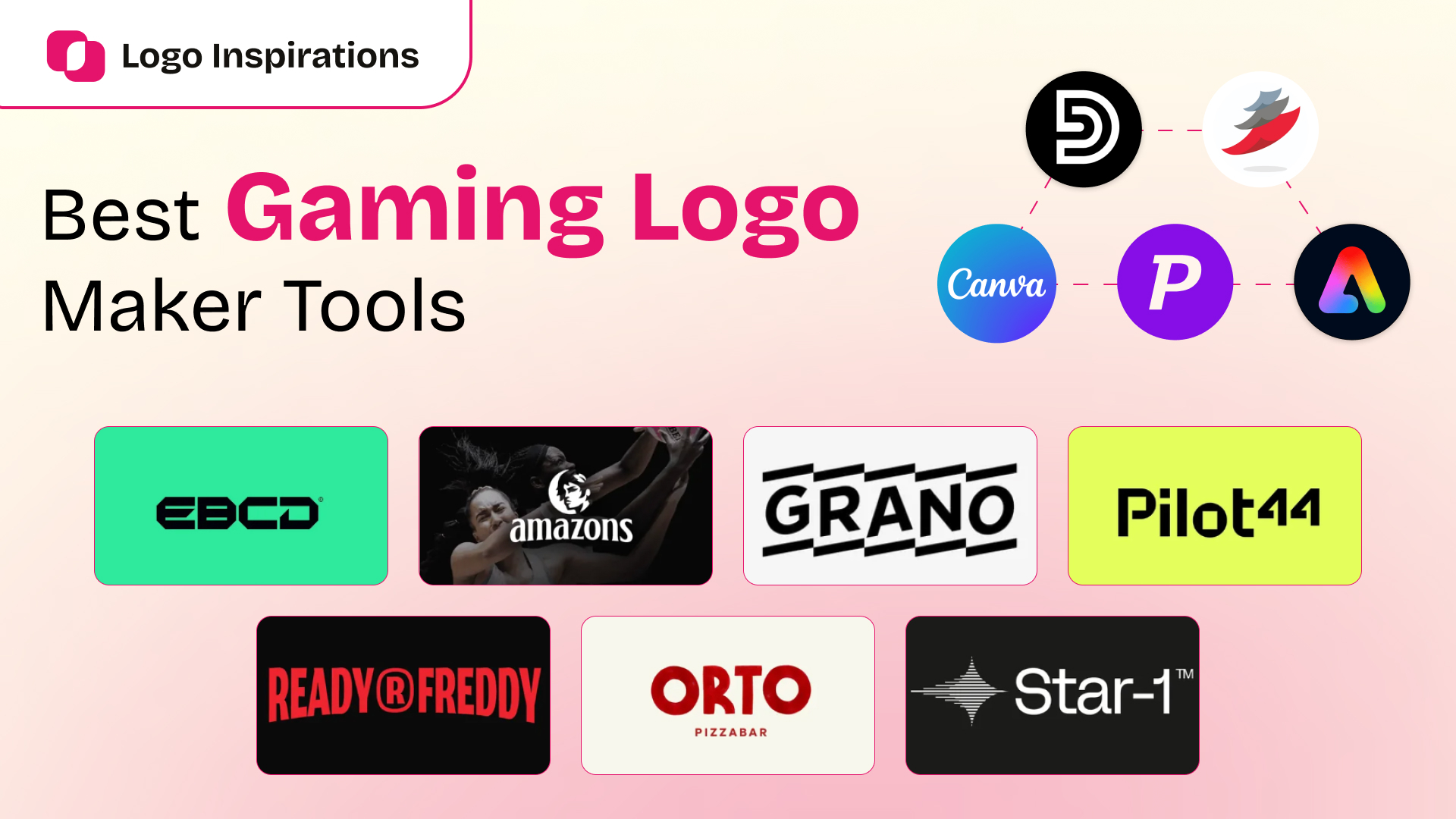
This guide compares Design.com, BrandCrowd, Placeit, Canva and Adobe Express, covering their editing tools, free options and download formats. You will also find gaming logo ideas and a step-by-step example for turning a rough concept into a logo you can use on a channel or team jersey.
Which gaming logo maker should you choose?
| Tool | Useful for | Starting workflow | The important distinction |
|---|---|---|---|
| 1. Design.com | Creating professional gaming logos with AI chat-based editing and vector downloads | Generate a gaming logo concept or browse relevant icons, then refine the mascot, team name and colours | Selected free logos include SVG files and commercial-use rights; AI-generated logo downloads require a paid plan |
| 2. BrandCrowd | Exploring gaming logo templates for esports teams, clans and creators | Compare gaming mascots, team emblems and initials, then customise the chosen design | Adjust the icon and lettering to suit your team; check that the gaming logo stays clear in a small avatar |
| 3. Placeit | Creating a streamer logo alongside Twitch overlays and channel graphics | Choose a gaming logo template, then match its colours and style to your streaming graphics | Check the logo file format before using it on team jerseys or gaming merchandise |
| 4. Canva | Creating a simple gaming channel logo and reusing it in thumbnails and stream announcements | Arrange your gamer name and icon, or upload an existing team logo for channel graphics | Logo editing is fairly basic; check stock-icon permissions before adopting a team identity |
| 5. Adobe Express | Making a straightforward gamer logo and matching social graphics | Choose a gaming icon and type style, then adjust the name, colours and layout | Check transparency and file format before printing the gaming logo on clothing |
What this comparison covers: editing options, small-size readability, download formats and supporting graphics. The practical examples are illustrative briefs to help you evaluate a logo, rather than results from a hands-on product test.
What you can do
Design.com lets you browse gaming logo designs or start with its AI logo generator. The library includes gaming icons and more than 500 exclusive fonts. With AI chat-based editing, you can describe changes to the icon or lettering, then use the editing controls to adjust the result.
How to use it for a gaming logo
If a mascot looks too busy, ask for fewer lines in the face and more space around the team name. Then shrink the preview to avatar size. Giving the AI logo maker one specific change at a time makes it easier to see whether the design is improving.
Free access and files
Selected free logos include SVG, EPS, PDF, PNG and JPG files with a commercial-use licence. AI-generated design downloads require a paid plan. The wider platform also includes 50+ design tools for supporting materials.
What to keep in mind
A commercial-use licence does not make a logo exclusive. Check the licence options for your chosen design. Keep an editable account project: exclusive font files are not downloadable separately.
Useful when you want to explore a logo concept with AI, refine it through chat and download vector artwork. Check whether your chosen design is included in the free selection or needs a paid plan.
What you can do
BrandCrowd’s gaming logo maker is useful when you know your team’s name but have not decided whether it needs a mascot, emblem, monogram or wordmark. A broad template selection makes those approaches easier to compare. BrandCrowd also offers an AI logo generator if you prefer to begin with a description.
How to use it for a gaming logo
Shortlist three different structures, not three similar animals. Compare a compact symbol, an initial-based design and a mascot. Add the same team name to each, then judge the balance between icon and lettering. The winning layout should remain recognisable when the full name is removed for an avatar.
Free access and files
Selected free logos include SVG, EPS, PDF, PNG and JPG downloads with commercial-use rights. Other designs and features may require payment; check the selected logo’s package.
What to keep in mind
A template can save time, but keeping its default colours and lettering may leave your logo looking similar to other designs. Check the spacing between the icon and name, try a typeface that suits your team and review the licence before assuming exclusivity.
Useful when you want to compare several logo styles before editing one. Try the same team name in each layout so the comparison is about the design, rather than the preview text.

What you can do
Placeit focuses heavily on ready-made visual assets, including gaming logos and Twitch graphics. That makes it relevant to creators who need a channel identity, stream presentation and promotional material at the same time. Its appeal is the connection between these assets rather than a logo alone.
How to use it for a gaming logo
Choose the logo first, then select supporting graphics that repeat its colours and visual rhythm. If the mark is angular and compact, use those qualities in the overlay. Avoid choosing a dramatic overlay and forcing the logo into a corner where its name becomes unreadable.
Free access and files
Placeit provides free templates alongside paid monthly and annual subscriptions. Check the current price and the download formats attached to your chosen logo before subscribing. Do not assume a high-resolution image includes editable vector artwork.
What to keep in mind
Template-led coordination can make setup quicker, but the available layout determines how far you can push a concept. Check whether you can simplify the icon, adjust the lettering and create a useful avatar variant.
Useful when you need a logo alongside streaming graphics. Choose the mark first, then check that the supporting templates leave enough space for it.
What you can do
Canva’s gaming logo tools offer templates, typography, shapes and uploaded artwork. The logo workflow is fairly basic: choose a layout, edit the text and arrange the artwork. It is also useful for making thumbnails, announcements and schedules that use the same logo.
How to use it for a gaming logo
Start with a simple wordmark or original artwork. Keep one approved master and build layouts around it. For a thumbnail, let the headline and game image change while the logo stays consistent. This helps viewers recognise the channel without relearning its identity on every upload.
Free access and files
A free plan is available; premium assets and some features require payment. Confirm the export options in the actual logo project. Different Canva workflows can have different download requirements.
What to keep in mind
A stock controller icon paired with unchanged template lettering can look generic. Stock graphics also have restrictions on trademark use. Using original uploaded artwork is a different case, but permissions still need checking.
Useful for thumbnails, schedules and announcements once you have a logo you are happy with. For the logo itself, keep the layout simple and check the permissions attached to its assets.
Adobe Express
Guided gaming logo creation and supporting social graphics.
What you can do
Adobe Express’s gaming logo maker provides a guided route through names, visual styles and icons, followed by customisation. It suits a creator who wants a manageable starting point and an editor for the graphics that follow. Broader AI features in Express do not mean every logo workflow generates a bespoke vector symbol.
How to use it for a gaming logo
Explore a compact icon with a readable name. Adjust scale and spacing before adding decorative effects. For a commentary channel, a strong initial and a clear wordmark may communicate more effectively than a complicated character with tiny text underneath.
Free access and files
The free plan supports basic design work, while Premium adds assets and features. The gaming-logo workflow offers PNG and JPG downloads, with animation options for motion content. Verify your chosen export if a printer needs vector artwork.
What to keep in mind
Before sending the logo to a printer, check its dimensions, transparency and file type. A PNG that works in a video may not be the file a jersey supplier needs. Keep a flat, static version even if you animate it for an intro.
Useful for making a straightforward logo and reusing it in social graphics. Check the export format early if you also plan to print the design.
What do these gaming logo makers cost?
Free browsing, free generation and a free downloadable logo are different things. Compare the file you can actually keep, the licence attached to it and the billing commitment.
| Tool | Free option | Paid pricing reference | What to check before paying |
|---|---|---|---|
| Design.com | Selected free logos with vector files and commercial-use rights | Starter: $5/month ($60/year) Value: $6/month ($72/year) Premium: $7/month ($84/year) All three prices are billed annually. | Annual billing, renewal price, checkout currency and the one-logo subscription scope |
| BrandCrowd | Selected free logos with vector files and commercial-use rights | Advertised starting offer: US$3/month billed annually, or US$9 monthly | Whether that advertised offer applies to your chosen logo and current checkout |
| Placeit | Selected free templates | Paid monthly and annual subscriptions; a reliable current amount was not available for this comparison | Local checkout price, renewal and the required logo files |
| Canva | Free plan | Pro pricing shown at US$144/year for one person | Whether you need Pro for the actual assets or exports in your design |
| Adobe Express | Free plan | Premium: A$14.29/month including GST on the Australian pricing page | Your regional currency, tax and plan terms |
Design.com’s Starter plan includes high-resolution and vector logo files, unlimited logo changes, social post tools and 50+ other design tools. Value adds a website; Premium adds a website, link-in-bio page and digital business card. For a gaming team, the choice depends on whether you need logo files and channel graphics alone, or a website and a page for your channel links as well.
Pricing reviewed on 6 October 2026. These are billing references, not equivalent packages: annual offers require an annual commitment, and regional prices differ. Confirm the currency, final amount and renewal price at checkout.
Gaming logo ideas
A practical example: creating a logo for a co-op gaming team
Consider “Checkpoint Lantern”, an illustrative team name for a group that helps new players finish difficult co-op missions. The concept is guidance and shared progress.
A predictable design would combine a controller, a shield, flames and a lantern. Each element adds information, but the combination becomes difficult to recognise.
A more focused direction is a compact lantern whose central opening suggests a waypoint. The lantern supplies the metaphor; the opening adds the gaming connection. The full name appears beside the symbol in the main logo, while the symbol works alone as an avatar.
Three design decisions make that concept practical:
- Remove tiny hardware details. The lantern does not need a realistic handle hinge or glass texture to be recognisable.
- Make the inner opening generous. A narrow gap can disappear when the logo shrinks or is embroidered.
- Separate identity from presentation. A warm glow can enhance a stream intro, but the master logo should also work in one solid colour.
You can use this brief with an AI logo generator or as a checklist when browsing templates. In either case, compare the results against the same requirements: a clear lantern shape, an open centre and a readable team name.
This illustrative brief shows how to make a logo around a clear concept. Check the final team name before adopting it.
How to create a gaming logo with AI
1. Write the brief before the prompt
Specify the exact name, the audience, the personality and the smallest use. “A friendly co-op team for new players, primarily seen as a small avatar” is a more useful brief than “an epic gaming logo.”
For a fuller explanation of the process, read our guide to how to design a logo.
2. Ask for a clear visual concept
Use this prompt as a starting point in an AI logo maker:
Create a gaming logo for “Checkpoint Lantern”, a welcoming co-op team that helps new players complete difficult missions. Explore a simple lantern symbol with a waypoint-shaped opening. Use a flat, two-colour composition, a strong silhouette and readable lettering. The symbol must work separately as a small circular avatar. Avoid tiny interior details, gradients, glow effects and game characters.
This asks for a design direction. Asking for “vector style” alone does not guarantee a downloadable vector file.
3. Refine one issue at a time
When using AI chat-based logo editing, identify what should change and what should stay:
Keep the lantern silhouette and colour palette. Widen the central opening, remove the small decorative lines and increase the space between the symbol and team name. Preserve the existing spelling and letter style.
A focused revision makes it easier to judge whether the AI logo generator improved the design. If you change the symbol, palette, typography and layout together, you lose the basis for comparison.
4. Test the logo where it will appear
| Test | What to look for | What to change if it fails |
|---|---|---|
| 32-pixel and 64-pixel previews | A recognisable silhouette and open internal spaces | Remove detail or create a simplified small-size variant |
| Circular avatar crop | Important parts stay inside the circle | Increase padding; keep the full team name outside the avatar |
| Light and dark backgrounds | The symbol stays visible without relying on a glow | Create controlled light and dark versions |
| One-colour preview | The idea survives without colour separation | Clarify the silhouette and negative space |
| Jersey-size preview | Lines and gaps remain practical for production | Ask the printer or embroiderer about minimum detail requirements |
These are design checks, not platform upload specifications. Use the current size requirements of the destination when exporting.
5. Download an identity kit, not just a preview
Keep a vector master where available, transparent PNGs, a symbol-only avatar, a full-name layout and a one-colour version. Record the colours and typography, retain the editable project and save the licence.
Check what is inside the SVG, too. A file containing vector paths can scale cleanly; an SVG that only contains a bitmap still has the limits of that image. Open the downloaded file before sending it to a printer.
Choose a logo maker around the work you need to do
Before you pay for a logo, try the same team name and design brief in the tools you are considering. Look at how easily you can change the icon, adjust the lettering and make a version that fits inside an avatar.
If you want to create a logo with AI, check what happens after the first result: can you request a specific edit, adjust the layout and download the files you need? If you prefer templates, compare a few different structures before spending time on colours and effects.
For a channel launch, a transparent PNG may cover your immediate needs. If jerseys or other printed items are part of the plan, check for vector files and the appropriate usage rights. The useful choice is the one that fits those requirements and your budget.
Gaming logo maker questions
What is the best gaming logo maker?
The best gaming logo maker depends on how you want to work. Design.com offers AI generation and chat-based editing; BrandCrowd lets you compare gaming templates; Placeit connects logo templates with streaming graphics. Canva and Adobe Express also work for simple logos and the channel content that follows.
Can I create a gaming logo for free?
Yes. Design.com and BrandCrowd offer selected free logos with vector files and commercial-use rights. Canva and Adobe Express also offer free design workflows. Check the chosen design, assets and export options: a free preview does not necessarily include a free final download.
What is the difference between a logo maker and an AI logo generator?
An online logo maker generally lets you customise a layout, symbol and text. An AI logo generator can create or vary a direction from written instructions. Some tools combine both approaches, letting you generate a logo with AI and refine it through conventional editing controls.
How do I make my own gaming logo without design experience?
Start with one concept, a readable name and a simple symbol. Use a template or AI logo maker to explore options, then test the shortlist in a small avatar and in one colour. Resolve those basics before adding effects or animation.
Can I use the same logo on YouTube, Twitch and Discord?
You can build one consistent identity across the channels. Prepare a compact symbol for avatars and a full-name version for larger graphics. Check each platform’s current upload specifications and crop preview instead of forcing the same file into every placement.
How can I create a unique gaming logo?
Start with something specific to your team: the meaning behind its name, a shared story or a distinctive set of initials. Use that idea to guide the mascot, symbol and lettering. An AI gaming logo generator can help you explore variations, but changing a template’s colour alone may not make the result distinctive. Compare your final design with other gaming identities and review the licence before assuming it is exclusive.
Are AI-generated gaming logos automatically unique?
No. AI generation alone does not establish exclusivity or trademark availability. Choose a distinctive concept, inspect the result for unwanted similarities and review the rights attached to the final design.
Should an esports logo be a mascot or a monogram?
Choose a mascot when a character is central to the team’s personality. Choose a monogram when compact recognition and initials matter more. Either can work; judge the silhouette, readability and smallest use before deciding.
Which files do I need for a gaming logo?
A useful starting kit includes vector artwork for scaling, transparent PNGs for digital use and a simplified avatar version. Add a one-colour version for restricted production. Confirm the printer’s requirements before ordering merchandise.
Explore the gaming collection before you open a logo maker.